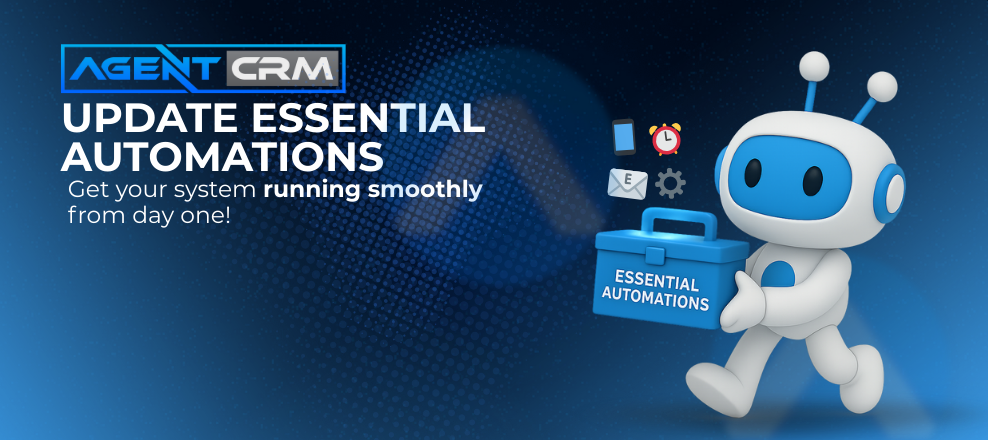
Before you start using Agent CRM to generate leads and book appointments, there’s one critical setup step you can’t skip:
✅ Updating your Essential Automations
These automations are the brains of your CRM. They:
-
Route new leads to the right workflows
-
Send texts and emails automatically
-
Move contacts through the Branning Bundle campaigns
-
Help you follow up faster—without doing everything manually
Spending 15–20 minutes on setup now will save you hours later.
🧠 Why Automations Matter
Without updated automations:
-
Leads won’t get assigned
-
Messages may not send
-
Follow-ups could be missed
-
Campaigns might stall
That’s why your Essential Automations need to be configured as soon as your account is active.
✅ Step-by-Step: How to Update Your Essential Automations
• 1. Assign New Leads to Yourself or a Team Member
Go to:
Automations > Default Workflows > Needs to Update
Find the automations that handle new lead routing, and:
👉 Assign new contacts to yourself or a staff member
This ensures your name shows up in every communication and builds familiarity.
• 2. Update Lead Generation Triggers
Make sure new leads enter your system the right way.
Link your:
-
Facebook Lead Forms
-
Website forms
-
Third-party lead vendors
This connects the source to the right workflow—so every lead is followed up with automatically.
• 3. Personalize the 2.0 🟣 New Lead Campaign
Add your selfie, logo, or headshot to the text and email templates.
This small touch:
-
Makes your outreach feel more human
-
Increases open and reply rates
-
Builds trust with cold leads
✅ It’s one of the highest-converting tweaks you can make.
• 4. Review Core Campaigns
You don’t have to write anything from scratch—Agent CRM includes:
-
Appointment reminders
-
Onboarding workflows
-
Cross-sell campaigns
-
Renewal reminders
Just review the timing, message tone, and adjust the language to match your voice.
🎥 Want Step-by-Step Help?
Go to your Activator Tab > Phase 1
Watch:
👉 “Update Essential Automations”
This video walks you through exactly what to check and personalize before going live.
✨ Pro Tip:
Even if you’re short on time, don’t skip this step.
Updating your automations just once:
-
Prevents leads from falling through the cracks
-
Makes your follow-up look polished
-
Saves you from hours of future troubleshooting
Ready to Automate Like a Pro?
👉 Start your 14-day free trial
Then head to your workflows and knock out this essential setup checklist—it’s the fastest way to get your system ready to sell.