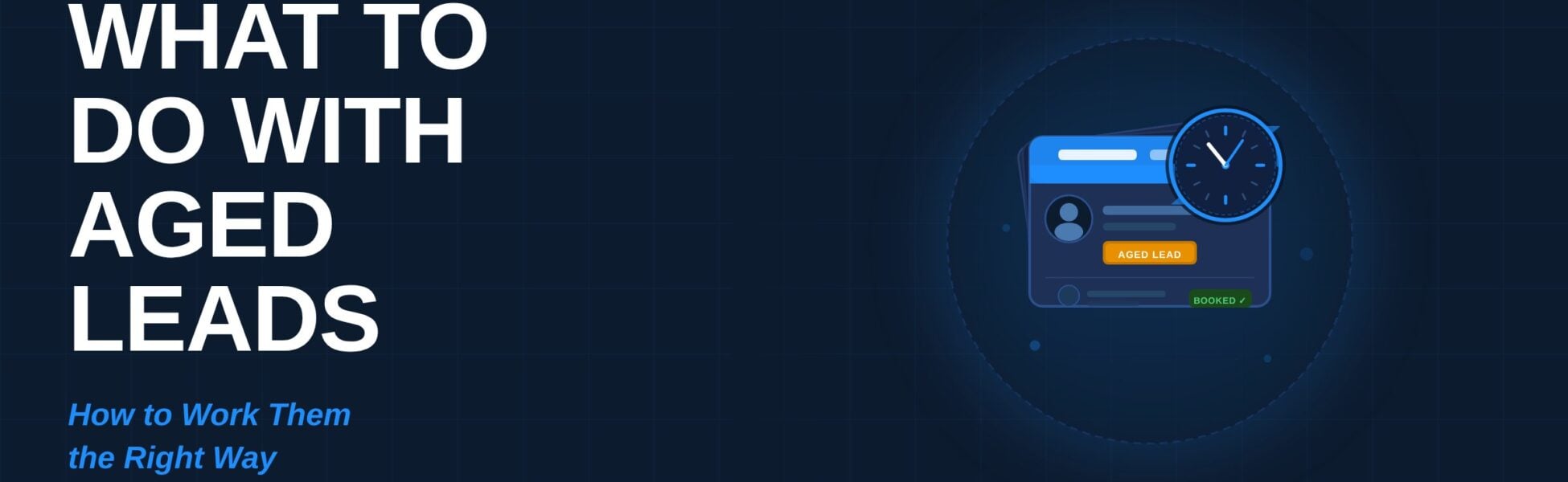
You have a list of aged leads sitting in a spreadsheet. Maybe you bought it. Maybe it’s old quote requests, past webinar signups, or people who never picked up the first time. It feels like money you left on the table.
Good news: aged insurance leads can still turn into clients. The key is to work them in the right order, with the right tool, for the right channel. A little care up front protects your phone numbers, your agency’s reputation, and your results.
Want to see how Agent CRM helps insurance agents work aged leads automatically? Start your free trial today →
What Are Aged Insurance Leads?
Aged insurance leads are prospects who expressed interest in coverage at some point in the past — but were never converted into clients. They may have filled out a quote form, attended a webinar, clicked an ad, or spoken to an agent who didn’t close them.
The “age” can range from a few weeks to a few years. Aged leads are typically cheaper to purchase than fresh leads, and they’re often already sitting in your own database from past campaigns — which means you’ve already paid for them once.
The question isn’t whether these leads have value. They do. The question is how to work them correctly.
Calling and Texting Are Not the Same Thing
Many agents treat calls and texts as interchangeable. They are not — and the difference matters especially when working aged insurance leads.
You can import aged leads into Agent CRM and call them using the Power Dialer. Texting, however, is where you need to slow down.
Registering your number for A2P messaging does not give you permission to text anyone. It registers your messaging campaign with the carriers. Permission is a separate step. Twilio’s current A2P guidance requires documented consent before the first text — and explicitly says you cannot send an unsolicited text asking someone to opt in.
So an aged or purchased lead list should not go straight into an automated text campaign. The safer and more effective path: call first, earn consent, then text.
Step 1: Import Your Aged Insurance Leads Into Agent CRM
Start by getting everything into one centralized place. Here’s how to set yourself up for success:
- Clean the list first. Remove duplicates, bad numbers, and anyone who has asked to be left alone or is on the Do Not Call list.
- Tag every contact with the source and date. A tag like “Aged Lead – Medicare – Spring Quote Form” tells you exactly where each person came from and how old the lead is.
- Split the list into groups. Leads that are 30 days old need a different approach than leads that are 18 months old.
- Check your compliance requirements. Review your state, carrier, and CMS requirements before dialing. Medicare agents especially need to pay attention to CMS outreach rules.
If you’re newer to using a CRM for this kind of work, check out our guide: New to CRMs? Here’s How Agent CRM Gets Insurance Agents Up and Running Fast.
Step 2: Work Your Aged Leads Through the Power Dialer
The Agent CRM Power Dialer is the right tool for aged insurance leads. A real conversation is the fastest way to find out who still needs help — and it’s compliant.
- Call at different times of day. If someone didn’t answer at 10 AM on Tuesday, try 5 PM on Thursday.
- Keep the first call short and friendly. Say who you are, why you’re calling, and ask one easy question. Don’t pitch on call one.
- Leave a short voicemail with your name and callback number. Under 30 seconds — no pitch.
- Update the contact record after every call. Mark who answered, who wants a callback, who isn’t interested.
- Book the next step before you hang up. A calendar link or confirmed callback beats “I’ll follow up sometime.”
Step 3: Earn Text Consent on the Call
This is where aged insurance leads become texting leads — the right way.
When the conversation is going well, ask: “Would it be okay if I text you the link to book a time?” If they say yes, you now have real, documented permission to text them. Log it immediately:
- Add a tag in Agent CRM: “SMS Consent – Verbal – [Date]”
- Add a note describing exactly what they agreed to receive
- A yes to “text me the appointment link” is NOT a yes to weekly promotional blasts
Step 4: Move Consented Leads Into Your Automated Follow-Up
Once a lead has given consent, Agent CRM’s pre-built Branning Bundles take over the follow-up so nothing falls through the cracks. Bundles are available for Medicare, Life Insurance, IULs, Infinite Banking, Group Benefits, P&C Insurance, Health Insurance, Annuities, Final Expense, and more.
- Pre-built workflows — New Lead Campaign, No-Show Follow-Up, Sale Made, Cross Sell Funnel
- Personalized email sequences — auto-filled with each contact’s name
- Text follow-up sequences — for consented contacts only
- Pipelines — so you always know where every lead stands
- One-click toggles — like Missed Call Text Back
Match the lead to the right Bundle. Aged Medicare lead → Medicare Bundle. Old life inquiry → Life Insurance Bundle. Learn more: Agent CRM for Agencies: Build a More Consistent, Connected Team.
Why You Should NOT Blast Texts to an Aged Lead List
Texting a bulk aged insurance lead list without individual consent causes real damage — complaints, high STOP rates, carrier filtering that blocks even your compliant messages, and campaign suspensions that are hard to recover from.
Your messaging reputation is easier to protect than to rebuild. Do it right the first time.
Quick Reference: Best Practices for Aged Insurance Leads
- ✅ Call aged leads first — text only with documented consent
- ✅ Tag every contact with source, date, and consent status
- ✅ Keep your list clean — honor every opt-out and DNC request
- ✅ Match each lead to the right Branning Bundle
- ✅ Always aim for a booked next step on every conversation
- ✅ Review results weekly — reach rate, booking rate, opt-out rate
Frequently Asked Questions About Aged Insurance Leads
Can I import aged insurance leads into Agent CRM?
Yes. Import your list and work it through the Power Dialer right away. Tag every contact with source and date.
Can I text my aged insurance leads?
Only with individually documented consent. Without it, call first. Never bulk-text a purchased or aged list.
Doesn’t my A2P registration cover texting permission?
No. A2P registration registers your campaign with carriers — it does not give you permission to text any individual. That requires separate, documented consent from each person.
What is the best way to work aged insurance leads?
Call first via the Power Dialer, earn text consent on the call, then activate a Branning Bundle to automate follow-up. This maximizes conversion while staying compliant.
How old is too old for an aged insurance lead?
There’s no hard cutoff. Even leads 1–2 years old can convert if they had a genuine need. Be transparent, lead with value, and you’ll find who still needs help.
Which Branning Bundle should I use for aged leads?
Use the Bundle matching the insurance line the lead originally asked about. Medicare leads → Medicare Bundle. Life leads → Life Insurance Bundle.
What if a lead gives verbal consent on the phone?
Log it immediately in Agent CRM with a tag, the date, and a note about what they agreed to receive.
Do Branning Bundles require any setup?
No. They’re ready to activate. Workflows, emails, and pipelines are pre-built — just customize the messaging to match your voice.
Support Is Here When You Need It
The Agent CRM Support Team can help with importing contacts, setting up tags, activating Bundles, and using the dialer. Pro members can also join live Growth Rooms calls for real-time help from the team and other agents.
Over 1,000 insurance agencies use Agent CRM. There’s a good chance someone has already solved the exact problem you’re facing.
Related reading: The $17 Phone Call That Changed How John Wetmore Built His Agency | Why Every Insurance Agent Needs Agent CRM
Ready to Start Working Your Aged Insurance Leads the Right Way?
Aged leads aren’t a lost cause. They’re real people who once raised their hand and said they needed help with insurance. Many of them still do.
Call them. Listen. Earn their permission. Let your Branning Bundles carry the follow-up from there. Agent CRM gives you the Power Dialer to reach them, the automation to follow up, and the pipelines to track every conversation — built specifically for insurance agents.
This post shares general best practices for working aged insurance leads. Rules vary by state, carrier, and product line. Always check with your compliance contact or attorney for guidance specific to your situation.