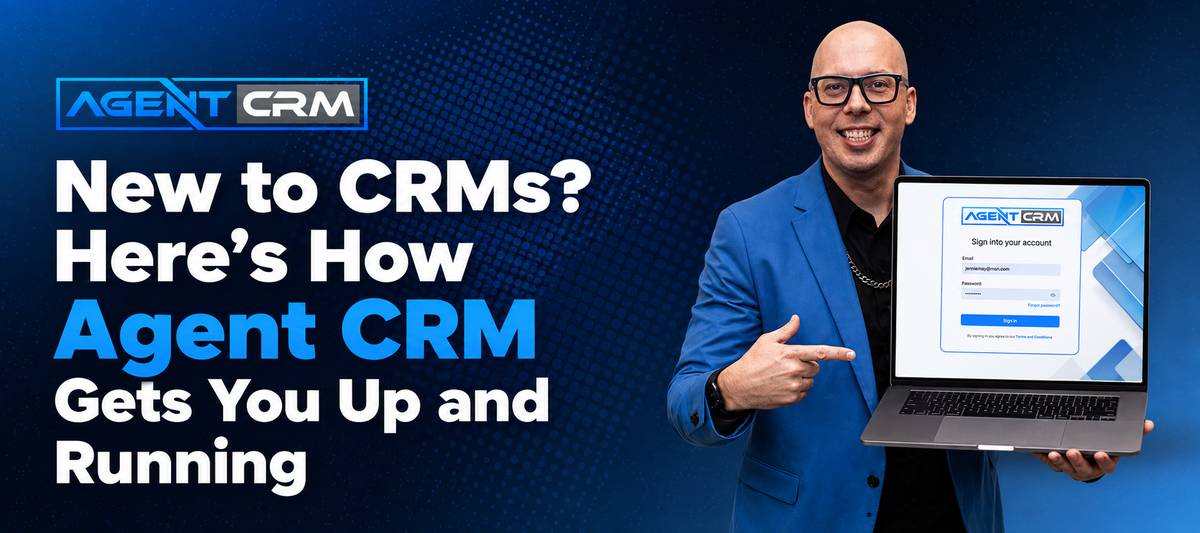
If You’ve Never Used a CRM Before, This Is for You
Spreadsheets. Post-it notes. A running list in your phone. If that’s your current “system” for managing leads and follow-ups, you’re not alone — and you’re not behind. But you are leaving money on the table every single week.
Alex Branning, the founder of Agent CRM, knows this firsthand. It took him ten years in the insurance industry before he finally adopted a CRM — and when he did, it changed everything. When he built Agent CRM, his #1 priority was making sure new users never felt the overwhelm and confusion he experienced early on.
Here’s exactly what happens when an insurance agent signs up for their first Agent CRM free trial.
Step 1: Personalization Before You Ever Log In
Before you even see the dashboard, Agent CRM asks a simple question: what products do you sell?
Based on your answer, the team loads your account with the right Branning Bundles — pre-built marketing systems designed for your specific product line. Whether you sell life insurance, Medicare Advantage, final expense, or a mix of products, your account arrives with the automations, follow-up sequences, websites, and email campaigns already built and ready to personalize.
This is the difference between logging into a blank software tool and logging into a marketing machine that’s already set up for you.
Step 2: The Customizer — Your Entire Marketing System in Minutes
Once you’re in your account, one of the first tools you’ll find is the Customizer. Fill in a short form with your name, agency details, and branding preferences, and Agent CRM instantly personalizes every asset in your bundle.
That means your email sequences say your name. Your text messages come from your number. Your landing page has your logo. In a matter of minutes, you go from “fresh account” to “fully operational marketing system.”
For agents who’ve been cobbling together tools from different platforms, this alone is a game-changer.
Step 3: The How-To Video Library
At the top of your Agent CRM dashboard, there’s a How-To Guide. Alex’s recommendation for every new user: click on it immediately and follow the videos in order.
Each video is designed to walk you through one piece of the platform — not everything at once. The goal is to reduce overwhelm by giving you one clear next step at a time. You’ll learn how to:
- Connect your Google Calendar and Zoom
- Navigate your contacts and pipeline
- Understand how your Branning Bundle automations work
- Add new leads and trigger follow-up sequences
Step 4: The Kickoff Call + Bundle Setup Call
Agent CRM isn’t a “here’s your login, good luck” kind of platform. Tucked inside the Support Hub (left sidebar) are two calls that every beginner should book as early as possible:
The Kickoff Call
Think of this as your official onboarding. An Agent CRM team member gives you a live walkthrough of the platform, answers your questions in real time, and makes sure you understand how Agent CRM supports your specific business goals. It’s about an hour, interactive, and worth every minute.
The Bundle Setup Call
This is where it gets more technical. Your specialist walks through your specific Branning Bundle — for example, if you’re a life insurance agent, you’ll see exactly how your lead generation tools work, what happens when a new lead enters the system, how the automated texts and emails fire, and how you can customize the messages. By the end, you’ll trust your system and know how to use it.
What If You Get Stuck?
This is where Agent CRM genuinely stands out. Most CRM platforms offer a help center and a ticket form. Agent CRM offers:
- Unlimited Zoom support — book a live session any time you’re stuck
- 24/7 phone support
- Email support
- Facebook community — connect with other agents using the same tools
As Alex puts it: “No matter how many features a software platform has, if you don’t have someone helping you learn how to use it, it’s going to be worth nothing to you.”
What You Get By Getting Started Now
Here’s the honest case for starting your Agent CRM free trial even if you’re not “tech-savvy”:
- Your account is personalized to your products before you even log in
- A complete marketing system (emails, texts, website) is already built for you
- The Customizer brands everything in minutes
- Live support is available whenever you need it
- You can replace multiple tools (calendar, text platform, email system, website) in one place
More Resources to Help You Get Started
These posts from the Agent CRM blog are especially useful if you’re just getting started:
- The Ultimate CRM for Medicare Agents in 2026 — If you’re a Medicare agent, see exactly how Agent CRM is built for your specific market
- Life Insurance Funnel: How to Build a Lead Generation System That Sells for You — Once you’re set up in Agent CRM, this post walks you through how to build your lead funnel
- The Secret to Getting A2P Approved: Guide for Insurance Agents — Before you start texting from your CRM, make sure your number is registered. This guide walks you through the process.
You Don’t Need to Have It All Figured Out
The biggest mistake new CRM users make is waiting until they “understand it better” before they start using it. Agent CRM was designed for you to learn by doing — with a team behind you at every step.
Whether you’re brand new to the business or an experienced agent finally ready to upgrade from spreadsheets, Agent CRM will meet you where you are.
Start your free 14-day trial of Agent CRM today — your account will be personalized, your bundles will be loaded, and someone will be ready to walk you through every step. Welcome to your AI-powered agency.