🚀 A Smarter Way to Automate Chat Replies Inside Agent CRM
That is exactly why this update matters.
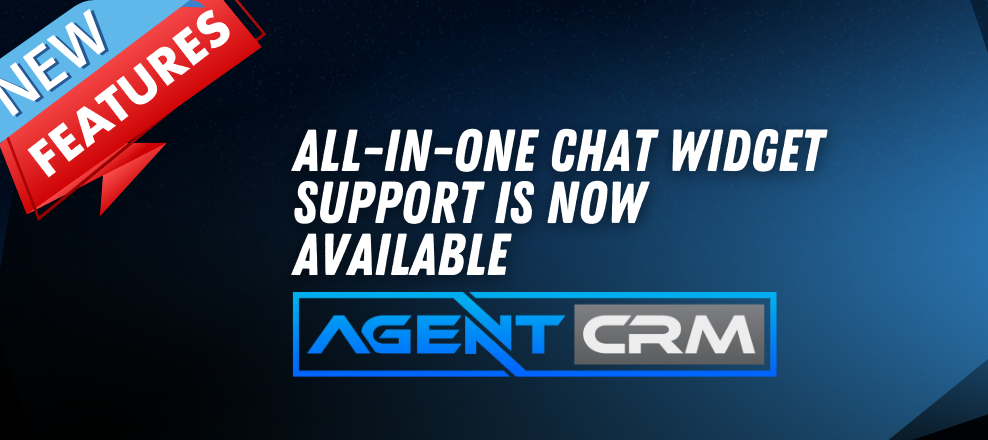
You can now use All-in-One Chat directly inside the Customer Replied trigger in Agent CRM. This gives you a cleaner way to build workflows based on how a customer responds through your unified chat setup.
Instead of piecing together separate trigger logic, you can now choose All-in-One Chat as the reply channel, filter by Chat Type, and even select the exact widget configuration you want.
That means more precision.
Less confusion.
Better automation.
📢 What’s New in the Customer Replied Trigger?
Inside the Customer Replied trigger, you now have a new option under Reply Channel:
✅ All In One Chat
You will still see other communication types like:
✅ Chat Widget
✅ Email
✅ Messenger
✅ Other supported channels
But now, when you choose All In One Chat, Agent CRM unlocks additional filtering options built specifically for unified chat workflows.
This gives you more control over exactly which customer replies should trigger automation.
🧠 Smarter Filtering for All-in-One Chat
Once you set:
Reply Channel = All In One Chat
Two additional filter layers appear.
1. Chat Type
You can now choose between:
✅ Chat Widget
✅ Live Chat
This makes it easy to define whether the workflow should trigger from:
-
A full All-in-One Chat Widget experience
-
Or a Live Chat interaction inside that setup
That alone makes workflow setup much more intuitive.
2. Dynamic Widget Selection
Here is where the setup gets even better.
Based on the Chat Type you choose, the next filter changes automatically.
If you select:
Chat Type = Chat Widget
You will then see:
✅ Chat Widget is
A dropdown that lists only relevant All-in-One chat widgets
If you select:
Chat Type = Live Chat
You will then see:
✅ Live Chat is
A dropdown that lists only relevant All-in-One Live Chat configurations
This dynamic behavior helps keep the workflow builder clean and focused. You only see the options that match what you are trying to automate.
No clutter.
No unrelated widget choices.
No guessing.
⚙️ How to Use It
Setting this up inside Agent CRM is simple.
Go to:
Automation > Workflows
Then:
✅ Add the trigger Customer Replied
✅ Under Reply Channel, select All In One Chat
✅ Choose Chat Type is: Chat Widget or Live Chat
✅ Select the specific widget under Chat Widget is or Live Chat is
✅ Click Save Trigger
✅ Add your workflow actions
✅ Publish your workflow
Once that is done, your workflow will run only when a customer replies through the exact All-in-One Chat configuration you selected.
That gives you more confidence that the right automation is firing at the right time.
💡 Why This Update Matters
Before this update, replies from All-in-One Chat setups were not as clearly separated.
That made workflow setup more confusing than it needed to be.
Users often had to rely on separate Chat Widget or Live Chat trigger logic, which could make automation harder to manage—especially if you were trying to organize a unified chat experience across multiple channels.
Now, All-in-One Chat has its own dedicated option inside the Customer Replied trigger.
That means:
✅ Cleaner workflow setup
✅ Better filtering
✅ More accurate automation
✅ Easier management across chat channels
If your team uses chat to qualify leads, answer questions, or move prospects toward booking, this update gives you a more organized way to automate that process.
🎯 Real Benefit for Agents and Teams
For insurance agents and agencies, chat replies can be a major part of lead handling.
A customer may respond through a widget on your site. Another may use live chat. Someone else may engage through a broader unified chat experience.
The more clearly Agent CRM can identify those reply paths, the easier it becomes to:
✅ Trigger the right follow-up
✅ Route conversations properly
✅ Notify the right team member
✅ Start the correct nurture sequence
✅ Keep communication organized
This is especially useful when you want different automation paths based on where or how the customer engaged.
📝 Important Notes
There are a few things to keep in mind with this update:
✅ All-in-One Chat support applies only to the Customer Replied trigger
✅ Existing Chat Widget triggers still work the same way they did before
✅ No migration is required for existing workflows
✅ This option will also appear inside existing workflows if you want to use it
✅ The system automatically identifies replies correctly based on channel type
So if you already have workflows running, nothing breaks.
This is simply an added layer of flexibility you can use when needed.
🔁 A Better Way to Build Unified Chat Automation
This update is all about making automation easier to configure in real-world chat environments.
Instead of forcing users to work around the system, Agent CRM now gives you a more natural way to build automation around All-in-One Chat replies.
You get:
✅ A dedicated reply channel option
✅ Clear Chat Type filtering
✅ Dynamic widget-specific dropdowns
✅ Better workflow precision
That leads to cleaner systems and less friction when setting up automations.
📈 Final Thought
The more your chat tools grow, the more important workflow precision becomes.
With All-in-One Chat now supported inside the Customer Replied trigger, Agent CRM gives you a smarter way to automate customer conversations based on the exact channel and widget they used.
It is cleaner.
It is more flexible.
And it makes unified chat automation much easier to manage.
If you are using chat as part of your lead capture and follow-up process, this is a feature worth putting to work.