If you sell insurance, this guide was written for you!
Every example, prompt, and tip below was chosen for life, health, Medicare, and property and casualty agents. It was not written for restaurants or retail shops. It was written for people who help families and businesses protect what matters most.
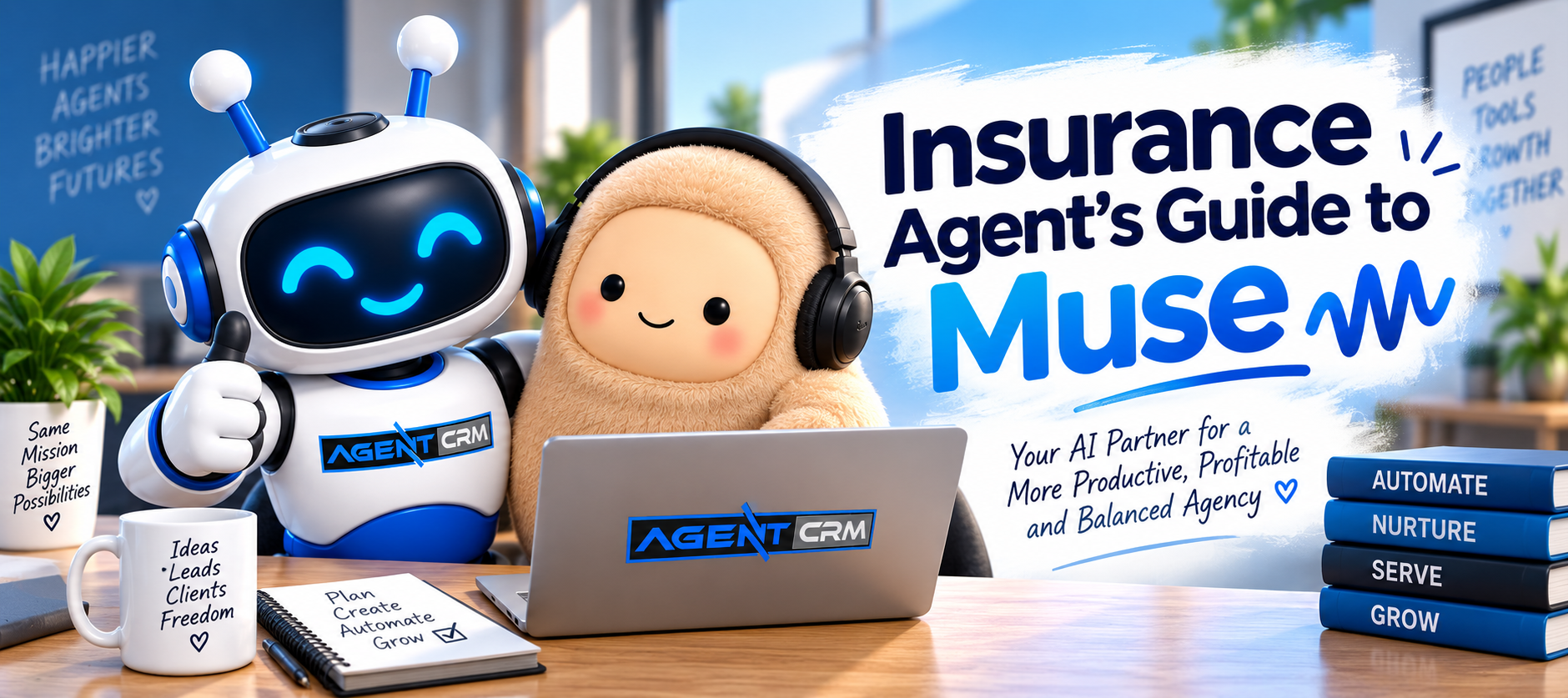
Here is the news. Meta just released Muse for Small Business, an AI agent that can work inside the tools you already use. Agent CRM is one of those tools. That means the CRM you use to follow up with leads, stay in touch with clients, and book appointments can now team up with an AI agent that helps get the work done.
Insurance agents are rarely short on ideas. They are short on hours. Muse is a way to get some of those hours back, so you can spend more time on the part of the job only you can do: sitting down with a person and helping them make a good decision.
In this guide, we will cover what Muse is, how it works with Agent CRM, how it fits alongside AgentAI — the AI already built into your account — and seven ways you can use Muse this week.
What Muse is, in plain words
Muse is an AI agent from Meta, and an agent does more than a chatbot does.
A chatbot answers questions. An agent takes a goal, works on it, and does tasks for you. Think of it as a new assistant on your team. You say what you want done, it does the work, and it checks with you before anything goes out.
Here is what we know as of September 29, 2026:
- Meta announced Muse for Small Business this week.
- It is available in the US and Canada.
- Meta says it is free for most uses, with paid plans for heavier use.
- Meta says Muse asks for your approval before it publishes, sends, or spends anything.
That last point matters a lot for insurance agents, and we will come back to it. Features and pricing can change, so check Meta for the latest details.
What changes when Muse connects to Agent CRM
When Muse is connected to your Agent CRM account, it can work with the same things you work with every day: your contacts, your conversations, your calendar, and your workflows.
That is the big difference. Without a connection, you would have to copy and paste names, notes, and details into an AI tool every time. With a connection, Muse can start from the real picture of your business.
Agent CRM stays your home base. It is where your client records live, where your pipelines are, and where your follow-up gets sent and tracked. Muse is the helper that works on top of it.
A simple way to remember it: Muse helps with the thinking and the drafting, and Agent CRM keeps the record and does the sending. Your Agent CRM support team can walk you through what to connect and what to leave off.
Meet AgentAI: the AI already built into your Agent CRM account
Before we go further, it’s worth pausing on something important: Agent CRM already comes with its own AI, called AgentAI. If you’re going to add Muse into the mix, it helps to know what you already have.
AgentAI is the always-on follow-up team living inside your account. It doesn’t wait for you to ask it to do something — it’s already working, 24 hours a day, on three jobs:
- Instant first response. The moment a new lead comes in — from a form, an ad, or a referral link — AgentAI reaches out within seconds. You’re the first agent they hear from, not the third.
- Long-term nurture. Leads who aren’t ready yet don’t just disappear. AgentAI drops them into automated nurture campaigns that keep you top of mind for weeks or months, without you lifting a finger.
- Smart FAQ and qualifying. AgentAI answers common questions and qualifies leads automatically, so the conversations that land on your calendar are the ones actually worth your time.
AgentAI doesn’t stop at new leads, either. Once a lead becomes a client, it keeps working in the background:
- Cross-sell conversations — automated reminders that prompt natural conversations about additional coverage with clients you already have.
- Smart referral requests — built-in workflows that ask happy clients for referrals at the right moment, so new leads show up without new ad spend.
- Team support — if you run a downline, AgentAI can distribute leads automatically and duplicate what’s working across your whole team.
In short: AgentAI is the safety net that makes sure no lead or client conversation falls through the cracks, every single day, with zero setup required beyond what’s already running in your account.
How Muse and AgentAI work together
So if AgentAI is already handling follow-up, what does Muse add?
Think of it this way: AgentAI is your floor. Muse is your extra set of hands.
AgentAI is built to do one thing extremely well, around the clock, without being asked: respond to leads instantly and keep them nurtured. It’s always running in the background of your Agent CRM account.
Muse works differently. It’s a general-purpose agent you direct — you give it a goal, and it goes and does it, checking in for your approval before anything goes out. That makes it a good fit for the tasks that come up but aren’t quite “always-on” work:
- Looking back over a stretch of leads or clients and drafting a batch of personalized messages (like the quote follow-up and renewal prompts below)
- Prepping you for tomorrow’s calendar, pulling context from past conversations
- Planning a one-off campaign, like a referral push or a client appreciation message
- Summarizing a conversation thread so you don’t have to scroll back through it
A simple way to think about the division of labor: AgentAI never sleeps and never has to be asked. Muse gets asked, and then goes and works the way a sharp assistant would. Used together, AgentAI keeps the floor covered while Muse helps you get ahead of the work that’s easy to put off — reviews, renewals, referrals, and the personal touches that build a book of business.
How to connect Muse to your Agent CRM account
The fastest way to connect is to ask Agent CRM support to set it up with you.
The steps depend on your account, so we do not want you guessing or clicking around on your own. Here is the simple path:
- Contact Agent CRM support.
- Tell them you want to connect Muse to your Agent CRM account.
- Follow the instructions they send you for your account.
- Make sure you have a Muse account, since Muse is available in the US and Canada.
A quick bonus while you’re setting this up: if you don’t have a Muse account yet, here’s an invite that gets you a nice head start.
Redeem this code in Settings within 48 hours of joining and you’ll get 1 billion Muse tokens.
Code: D7E24P
https://muse.ai/join
Invite codes like this are limited to a set number of uses, so if the code has already been claimed by the time you get there, just sign up at the link above and skip the code — you’ll still get full access to Muse.
Once you are connected, you are ready to try the seven ideas below.
Seven ways insurance agents can use Muse this week
Each idea below includes a prompt you can copy. Swap the words in brackets for your own details. Notice that every prompt ends by asking Muse to show you the draft first. That keeps you in charge.
1. Follow up with quote requests that went quiet
Most sales are lost in the silence after a quote. Let Muse draft the nudge — this is exactly the kind of speed-to-lead follow-up that keeps deals from going cold.
Prompt: “Look at the leads in my Agent CRM who asked for a quote in the last 14 days and have not replied. Draft a short, friendly text for each one. Show me the drafts before anything is sent.”
2. Prepare for tomorrow’s appointments
Walk into every meeting knowing who you are talking to.
Prompt: “Look at my calendar for tomorrow. For each appointment, give me the client’s name, what we talked about last time, and two good questions I can ask.”
3. Find clients who are due for a review or renewal
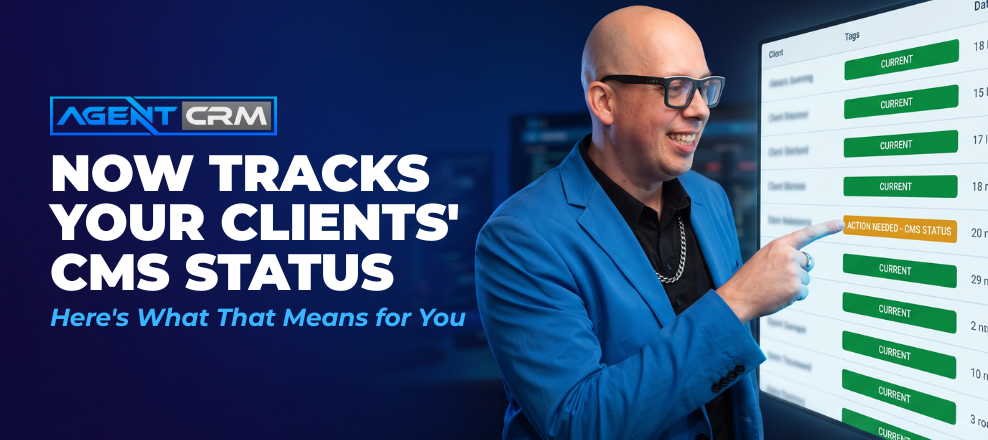
A simple check-in before renewal builds trust and often uncovers new needs. This pairs well with the way Agent CRM already tracks your clients’ CMS and renewal status — Muse can turn that data into an actual outreach message.
Prompt: “Show me clients in my Agent CRM whose policy renews in the next 60 days. Draft a warm check-in message asking if anything in their life has changed. Show me the drafts first.”
4. Send birthday and anniversary messages that feel personal
Small touches are what clients remember.
Prompt: “Draft a short, warm birthday message for each client with a birthday this week. Keep it personal with no sales pitch. Wait for my approval before sending.”
5. Spot deals that have stalled
Sometimes a deal just needs a next step. If you haven’t set up your pipeline stages yet, that’s the first place to start — Muse works best once your pipeline reflects where deals actually stand.
Prompt: “Which opportunities in my pipeline have not moved in 10 days? Suggest one simple next step for each.”
6. Summarize a client conversation
Save yourself from scrolling through a long thread.
Prompt: “Summarize my last conversation with [client name] in five lines. List anything I promised to do.”
7. Plan a monthly referral campaign
Your happiest clients know people who need you. Make it easy to ask — and remember, Agent CRM already has pre-built referral campaigns you can hand to Muse as a starting point instead of building from scratch.
Prompt: “Help me plan a referral campaign for next month for my best clients. Suggest a message, a simple thank-you, and a schedule. Show me everything before it goes out.”
A good place to start is ideas 1 and 2. They save time right away and they are easy to check.
Staying in control: approvals, privacy, and compliance
You stay in charge of everything Muse does for your agency. Here are four habits that keep it that way.
- Read every draft. Meta says Muse asks for your approval before it sends, publishes, or spends. Use that step. AI can also misread an instruction, so a quick review protects you and your client.
- Connect only what you need. The fewer things Muse can see, the less there is to worry about.
- Be extra careful with health details. If you sell Medicare or health coverage, do not put personal health information into any AI tool unless your compliance requirements and agreements allow it. Ask Agent CRM support and your own compliance contact before you start.
- Keep your rules in place. Anything Muse drafts is still your message. Agent CRM’s built-in compliance tools already handle opt-out language automatically, but you’re still responsible for following your carrier, IMO or FMO, and state rules, and making sure you have permission to text or email each person.
This guide is not legal or compliance advice. When in doubt, ask your compliance contact first.
What Muse cannot do for you
Muse can draft, organize, and remind. It cannot be the trusted advisor your clients need.
A tool like Muse can show a person a price. Only you can explain what that price does and does not cover, what the deductible means for their family, and which option fits their life. You ask the right questions, you hear the worry behind the question, and you help someone feel confident about a big decision.
That is the part of your work that builds a book of business, and no tool takes it from you. Muse just gives you more time for it — and AgentAI makes sure nothing slips through the cracks while you’re doing it.
Your first week with Muse
You can be up and running in three simple steps.
- Day 1: Contact Agent CRM support and ask to connect Muse to your account.
- Days 2 and 3: Try idea 1 (quiet quote requests) and idea 2 (tomorrow’s appointments). Read every draft before you approve it.
- Days 4 through 7: Pick one more idea from the list. Then write down how much time you saved so you can see what is working.
Small steps add up. One less hour of admin each day is a lot of extra conversations with people who need your help.
Ready when you are
If you already use Agent CRM, reach out to Agent CRM support and ask to connect Muse to your account. They will give you the instructions for your setup.
If you want to see how other insurance agents run this kind of workflow inside Agent CRM, you can book a time to talk at consult.agent-crm.com/30.
I am excited about what this means for agents.
The tools are getting better, and the agents who learn them early will have more time for the work they love.