If you sell Medicare, you already know the feeling. A client you’ve taken care of for years suddenly goes quiet. Then renewal season comes around and you find out they got switched by a call center, or by “a cousin who’s also an agent.” You lost the client. You probably lost the commission too. And you had no idea it happened until it was too late.
That ends now.
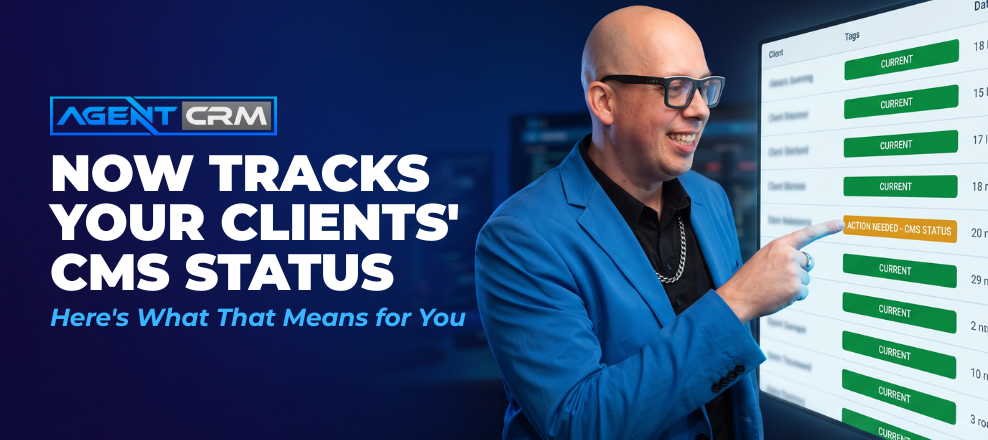
Agent CRM has partnered with MAPD Tool to give you something Medicare agents have needed for a long time: a direct connection to CMS that tells you the moment one of your clients gets switched.
What This Actually Does
MAPD Tool connects to your book of business through your own Marx login. Once it’s set up, it checks every client you have on file against what CMS actually shows for their plan. That check runs automatically twice a month, and you can also run a manual batch check any time you want.
When it finds a mismatch, it doesn’t just tell you “something changed.” It tells you exactly what changed. In one real example, a client’s new plan came with a $2,000 higher max out-of-pocket, lower over-the-counter benefits, and a deductible that reset to zero. That’s the kind of detail that turns a confused, defensive client call into an easy win-back conversation.
What Happens After a Switch Is Found
Once you approve the report, three things happen automatically:
- The client’s status updates inside Agent CRM
- A compliant text sequence goes out to reconnect with them (written to follow CMS communication guidelines, not marketing rules)
- A retention note gets posted straight into their contact record, so your whole team can see it
You’re not digging through summary of benefits documents trying to piece this together by hand. The tool hands you the comparison, and Agent CRM handles the follow-up.
A Bonus Most Agents Aren’t Thinking About
MAPD Tool doesn’t stop at plan switches. It also checks your commissions against what actually hit CMS. If you thought you had a commission that never credited, or one that should have paid out and didn’t, this surfaces it. You’ll see your retention by month, your accretion by month, and which carriers and agents on your team need attention.
How to Get Started
Every Agent CRM user gets access to an exclusive MAPD Tool deal, and your first check doesn’t cost anything. Here’s what to do:
- Log into Agent CRM and click on the Extras tab
- Sign up for MAPD Tool using your Agent CRM email — the two connect automatically
- Follow the short on-boarding steps (there’s a walk through video if you get stuck)
- Run your first batch check and see what it finds
One MAPD Tool account connects to one Agent CRM account, so if you have agents on your team with their own books of business, each of them will need their own connection.
This is one of those tools where the value shows up the first time you use it. You’ll see exactly which clients are still with you, which ones aren’t, and what to do about it. If you have questions along the way, MAPD Tool’s support team is available right inside their AI assistant, Otto, or by email and Zoom.
Go turn this on. Your book of business will thank you.
A Note on Security, Privacy, and Your MARx Login
We want to be fully transparent about how this tool works and what that means for you.
MAPD Tool accesses CMS data by logging in using your MARx credentials. This is the same way many agencies manually check eligibility — but because it’s done through software rather than by you directly, it technically falls outside the designed use case described in MARx’s Terms of Service. You’re using this tool at your own risk, and you should decide for yourself whether it fits within your carrier agreements.
Here’s what’s in place to protect you:
- Terms of Service and Privacy Policy are live at app.mapdtool.com/terms and app.mapdtool.com/privacy. They address the MARx login, CMS verification, and how client data is handled.
- All stored client data is encrypted at rest.
- Data transfer between MAPD Tool and Agent CRM is encrypted, though it is not HIPAA-certified at this time.
If you have questions about how the integration handles your data, you can review the FAQ page or reach MAPD Tool’s support team via Otto (their AI assistant) or by email and Zoom.
Alex